If you’re new to Sam’s Club curbside pickup, you’re in for a time-saving treat. Whether you’re stocking up on snacks or grabbing bulk essentials without stepping inside the warehouse, this service is a game-changer—especially when you know a few insider tricks. These 8 genius tips will help you breeze through your first pickup like a seasoned Sam’s shopper.
1. Use the Sam’s Club App or Website to Place Your Order
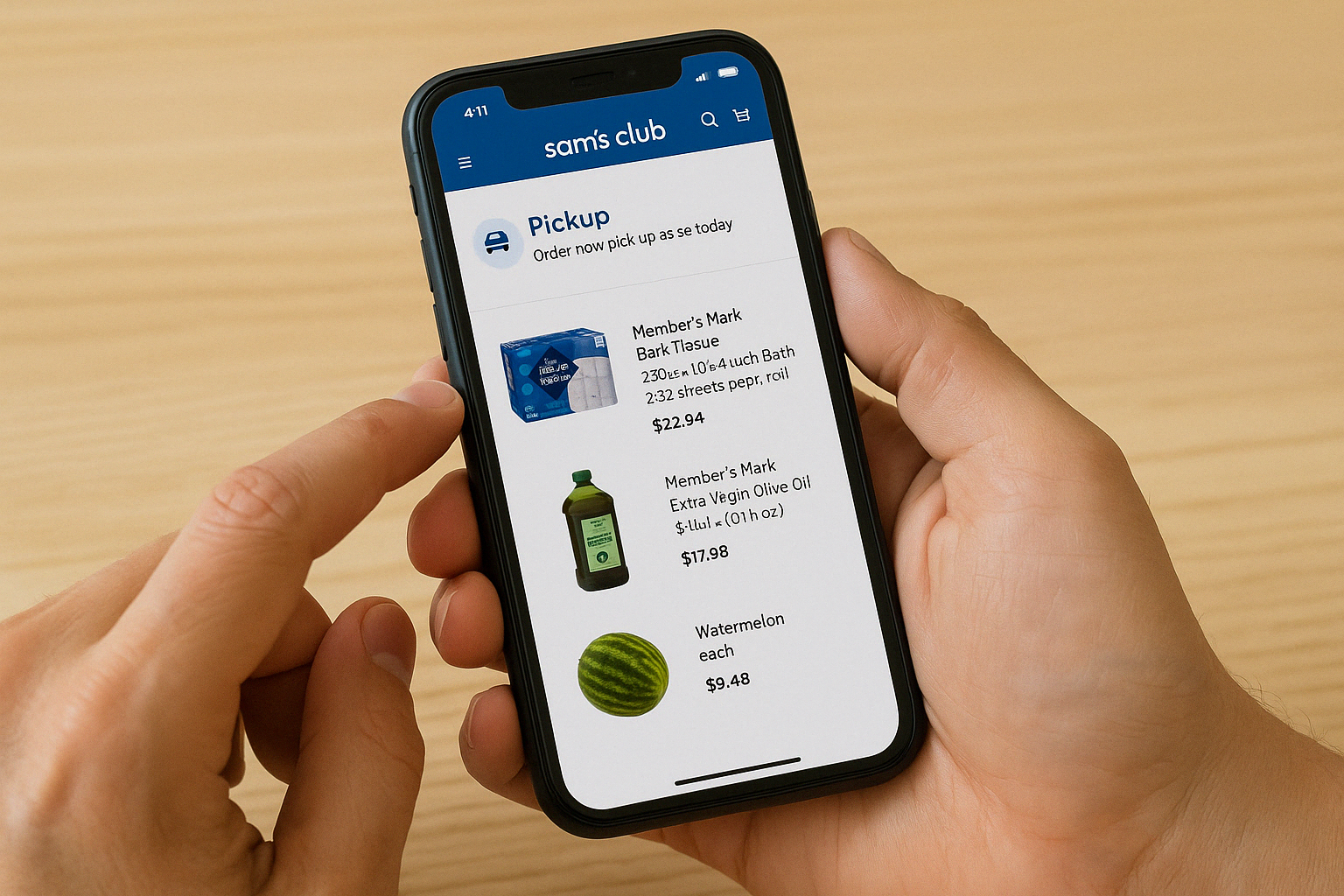
Skip the in-store search and build your cart right from your phone or computer. The Sam’s Club app makes the process super simple with a dedicated “Pickup” tab, while the website gives you full access to product categories, reviews, and more.
2. Look for Items Labeled “Pickup” Eligible
Not everything sold at Sam’s Club can be picked up curbside. When shopping, make sure each item is labeled “Pickup” eligible—otherwise, it’ll default to shipping or club-only availability. You can filter your results to make this easier.
3. Hit the $50 Mark to Skip the Pickup Fee

Curbside pickup is totally free when your order totals $50 or more. For smaller orders, a handling fee may apply, so it’s worth tossing in a few pantry staples to reach the threshold and skip the extra charge.
4. Early Bird? Plus Members Get a Head Start

If you’re a Sam’s Club Plus Member, you can book pickup slots as early as 7 a.m. on weekdays—perfect for busy mornings or early grocery runs. Basic members have to wait until 10 a.m., so consider upgrading if early access is a big win for your schedule.
You May Be Interested In


5. Same-Day Pickup? Order Early!
Need something fast? Same-day curbside pickup is totally possible, but it pays to act early. Time slots can fill quickly, especially during weekends or holidays, so place your order in the morning to snag your preferred window.
6. Don’t Count on Coupons (Because They Don’t Exist)

Here’s the deal: Sam’s Club doesn’t accept traditional coupons, even in-store. That means you won’t miss out on savings by ordering curbside. Instead, look out for “Instant Savings” discounts already applied to qualifying products.
7. Sending Someone Else? They’ll Have to Go Inside
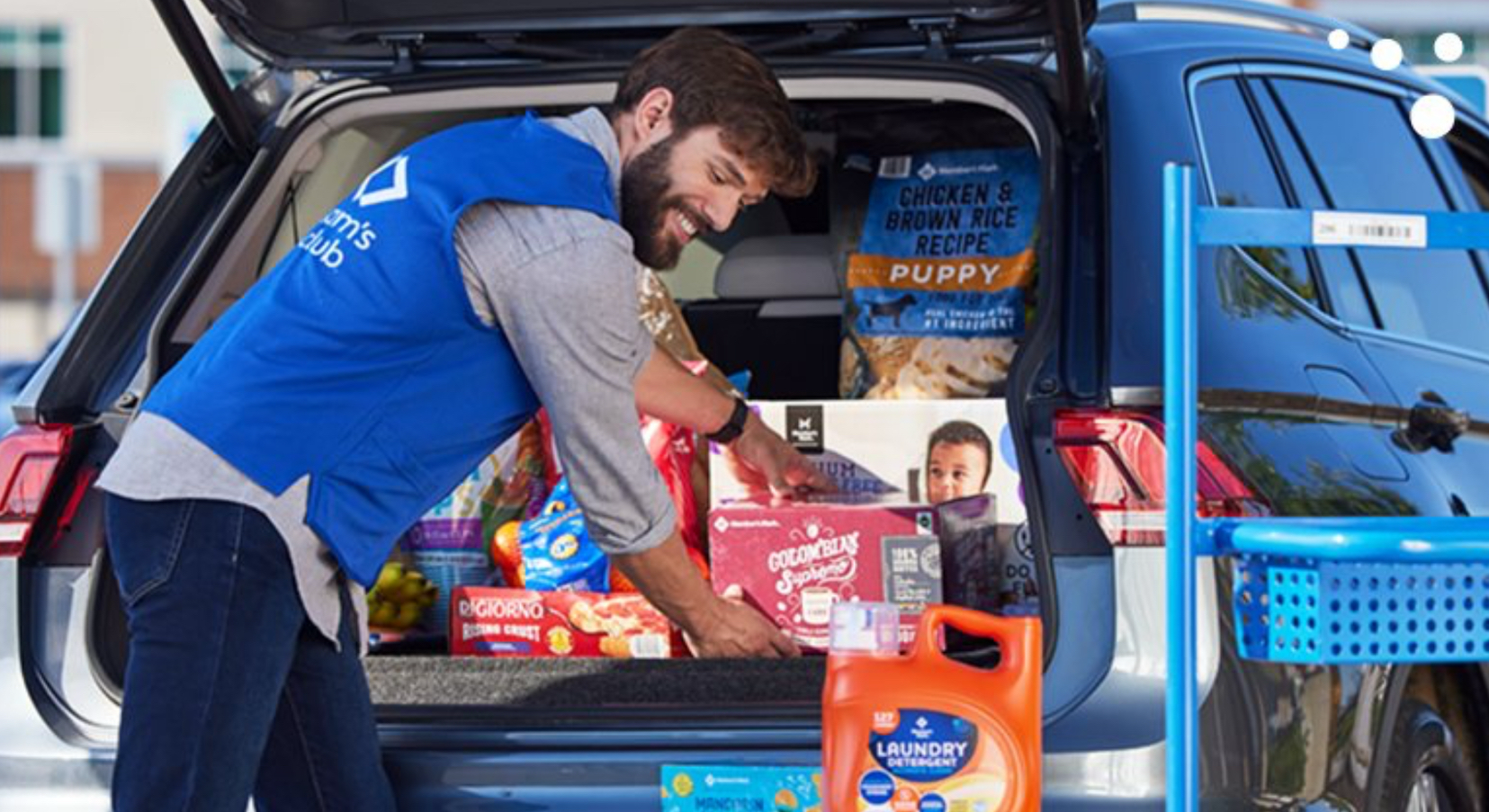
If you’re having a friend or family member pick up your order, heads up: they can’t use curbside. Only the person named on the order can check in for curbside pickup. Designated shoppers will need to go inside the store and show ID to collect the order.
8. Mix Shipping and Pickup in One Order—No Problem
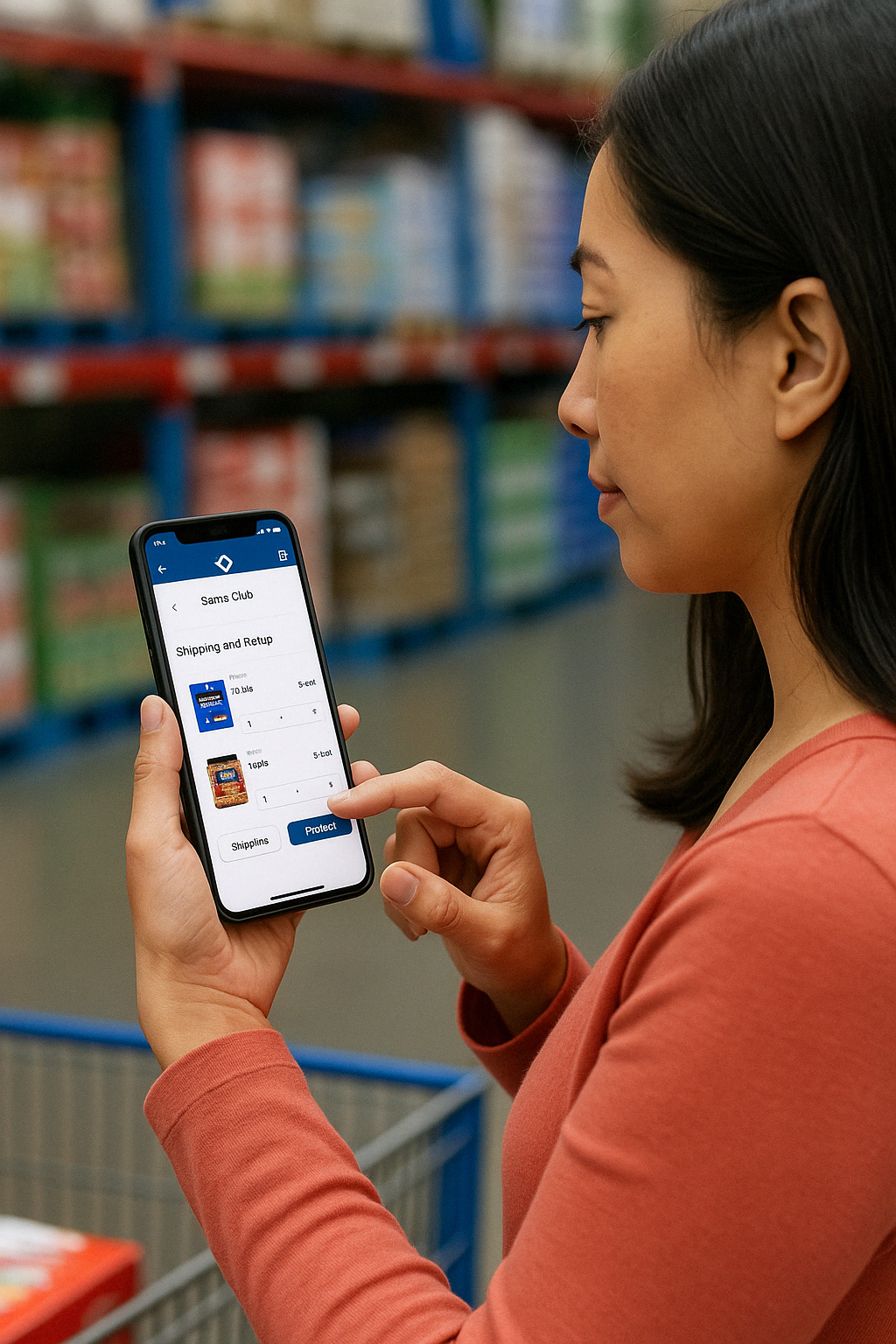
Need something shipped and something else today? You can combine Shipping and Pickup items in a single checkout, making it super convenient to stock up now and get other items delivered to your doorstep later.
Final Takeaway
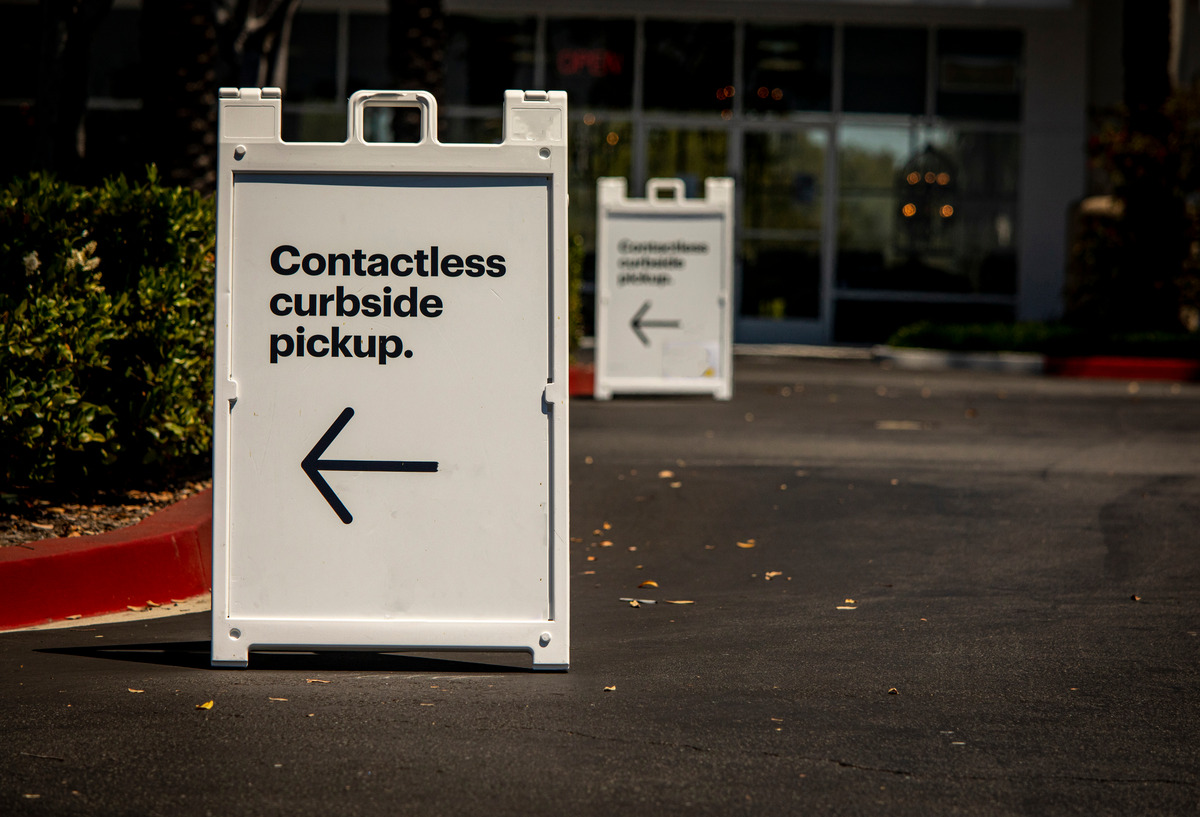
Curbside pickup at Sam’s Club is a total time-saver, especially when you know how to make the most of it. From scoring early time slots to knowing how item eligibility works, these simple tips will have you mastering your pickup orders in no time. So go ahead—skip the lines, pop the trunk, and let Sam’s Club do the heavy lifting.
Recommended For You