
Navigating the checkout at Costco can sometimes feel like a challenge, especially with long lines and a cart full of items. However, with a few simple tips, you can breeze through the process without breaking a sweat. Whether it’s organizing your cart efficiently or knowing the best times to visit, these strategies will make your Costco trip more efficient. From using the latest tech to ensuring your membership card is always ready, these tips are designed to help you save time.
Contents
- 1 Pack Carts Efficiently for Easy Checkout Scanning
- 2 Visit the Store at Certain Times of the Day and Week
- 3 Have Your Membership Card Ready at the Register
- 4 Take Advantage of Scan-and-Go Tech When Possible
- 5 More From RetailShout
- 6 12 Costco Items That Have Jumped in Price Over the Last Five Years
- 7 10 Aldi Health and Wellness Items to Grab Before January
Pack Carts Efficiently for Easy Checkout Scanning
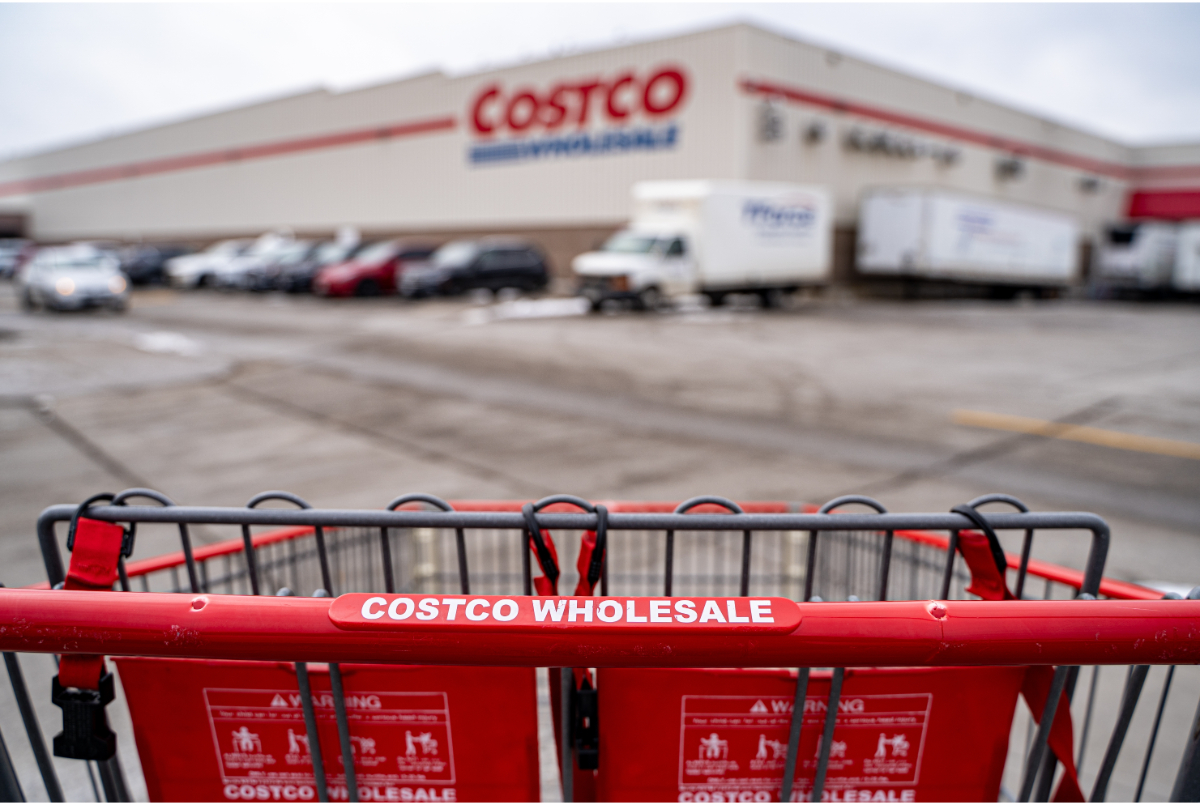
When shopping at Costco, try to pack your cart in a way that makes checkout scanning easier. Group similar items together, with larger products on top and smaller ones underneath. This simple strategy allows the cashier or self-checkout system to scan everything more quickly. It also helps reduce the risk of items getting lost or missed during the scanning process. The more organized your cart is, the faster you can get through the checkout.
Visit the Store at Certain Times of the Day and Week

Timing your visit to Costco can make a significant difference in how quickly you get through checkout. The store tends to be busiest on weekends and during the evening hours. Try going early in the morning on weekdays or during mid-morning when the crowds are smaller. Fewer shoppers mean shorter lines and a faster, smoother checkout experience. Planning your visit during quieter times can help you avoid the stress of long waits at the register.
Have Your Membership Card Ready at the Register

Before you even get to the checkout line, make sure your Costco membership card is readily available. Keeping it easily accessible will save you time when it’s time to scan it. Whether it’s a physical card or the digital version in the Costco app, having it ready for scanning speeds up the process. This step is simple but crucial to keeping the checkout process quick and seamless. Make it a habit to prepare your membership card before heading to the register.
Take Advantage of Scan-and-Go Tech When Possible

Many Costco locations offer a scan-and-go feature through the Costco app, allowing you to scan items as you shop. This means that by the time you reach the checkout, you’ve already completed much of the scanning process. You can pay directly through the app, skipping the traditional register altogether. If your store offers this technology, make sure to take full advantage of it. It can save you time and streamline the entire shopping experience.
This article originally appeared on RetailShout.
More From RetailShout

When it is cold outside, staying in starts to feel like the real plan. A cozy winter setup does not need fancy upgrades, just a few small picks that make your place feel warmer and more lived in. Read More.
12 Costco Items That Have Jumped in Price Over the Last Five Years
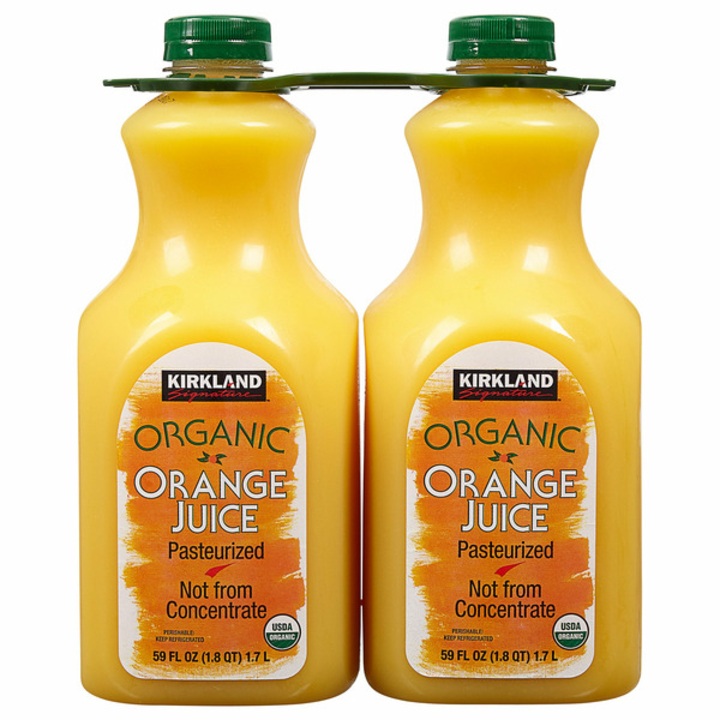
Costco shoppers often notice price changes most on items they buy again and again. Over the past several years, some familiar staples have quietly become more expensive. Read More.
10 Aldi Health and Wellness Items to Grab Before January

January always feels easier when the fridge and pantry are already set up for your better habits. A few simple staples can help you throw together quick breakfasts, smarter snacks, and no-stress meals without overthinking it. Read More.