
Shopping at Costco is an experience that many people love, thanks to its bulk savings, high-quality products, and exclusive deals. But while Costco is a great place to shop, it’s easy to make a few mistakes that can cause frustration for both shoppers and employees. These common errors can slow down your trip and make the warehouse experience more difficult for everyone. To help make your next Costco visit smoother, here are the top 10 mistakes you might be making—and how to avoid them.
1. Not Having Your Membership Card at the Ready
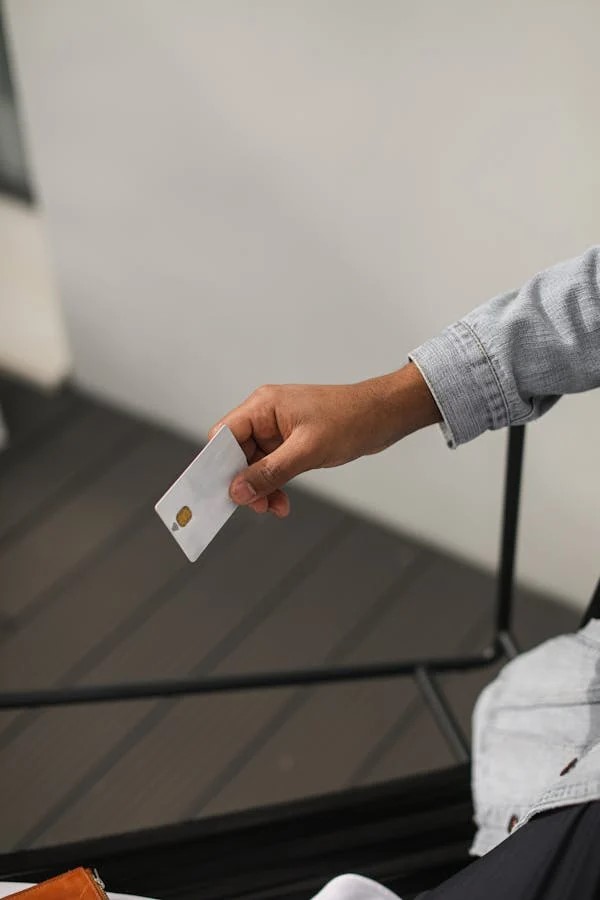
To shop at Costco, you need to have a membership. While this may seem obvious, it’s easy to forget to have your card ready when you walk in the door or check out. When you arrive at Costco, an employee will ask to scan your membership card, so make sure it’s easily accessible.
Tip: Keep your membership card in your wallet or on your phone app, so you can quickly show it when needed.
2. Leaving Your Shopping Cart in the Middle of the Aisle
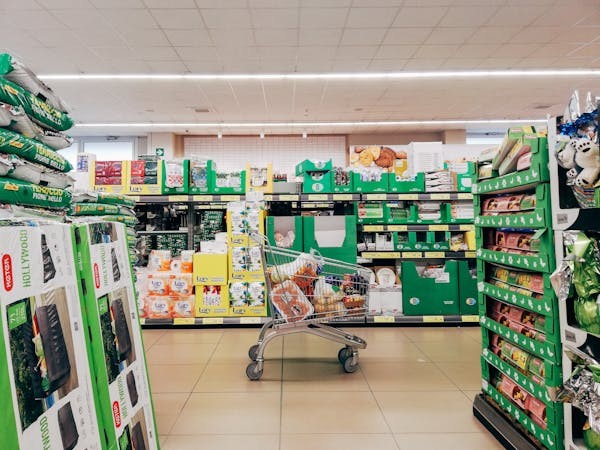
With so much to see at Costco, it’s tempting to stop and browse the aisles. However, leaving your shopping cart in the middle of the aisle can create a traffic jam and frustrate other shoppers. Costco’s aisles are wide, but they can still get crowded, especially during peak hours.
Tip: Whenever you stop to look at an item, move your cart to the side and out of the way. It’s a simple courtesy that helps keep the aisles clear.
3. Forgetting a Cart for Small Trips

Even if you only plan on picking up a few items, it’s better to grab a cart than to risk carrying everything by hand. Not only does this help you avoid the hassle of juggling multiple items, but it also makes the checkout process smoother.
Tip: Grab a cart as soon as you walk in, even if you think you’re only grabbing a couple of items. It’ll save you time and stress later on.
4. Taking Multiple Free Samples
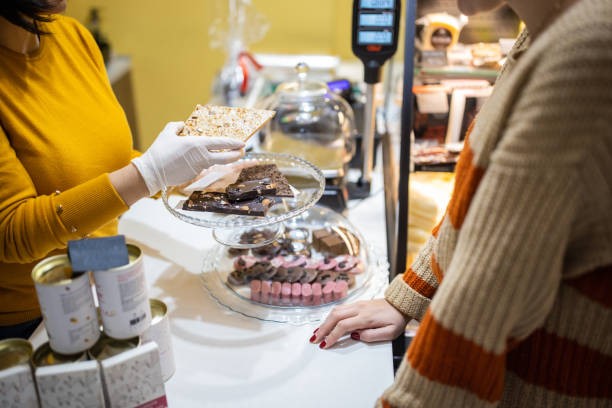
Costco is famous for its free sample stations throughout the store. While it’s tempting to go back for seconds (or thirds), doing so can cause delays and block other customers from trying the samples. Plus, the aisles can get crowded with people waiting to try a bite.
Tip: Enjoy a sample or two, but be mindful of the line and allow others to try the item as well. Don’t linger too long at the sample stations.
5. Constantly Asking About Rotisserie Chicken Restocks
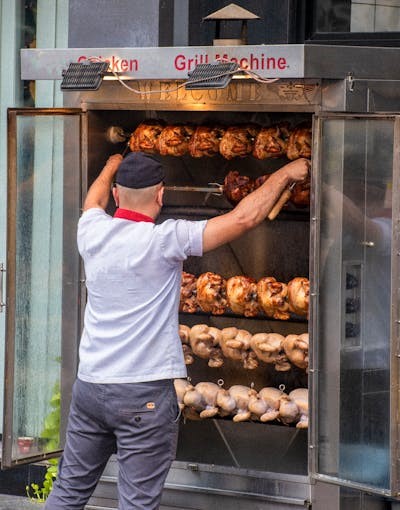
Costco’s $4.99 rotisserie chicken deal is a fan favorite, but it’s not uncommon for the display to sell out. While it’s fine to ask if the chickens will be restocked soon, constantly asking employees when they’ll be available can add unnecessary pressure.
Tip: If the rotisserie chicken display is empty, check back in a few minutes. Most likely, it will be restocked soon.
You May Be Interested In

6. Telling Cashiers How to Bag Your Groceries

Costco employees are experts at bagging groceries efficiently. While you may think you’re being helpful by suggesting how to bag your items (e.g., putting eggs on top), it’s usually best to let the cashier do their thing. They are trained to move the line quickly and efficiently.
Tip: Allow the cashier to bag your groceries in the way they see fit. They know what they’re doing, and it will help the checkout process move faster.
7. Using Unaccepted Forms of Payment

Costco doesn’t accept all forms of payment. For example, Mastercard, Discover, and American Express are not accepted, so trying to pay with one of these cards will only slow down the process.
Tip: Make sure you have an accepted payment method ready. Costco accepts Visa and its own Costco-branded Citi card, so keep those in mind when checking out.
8. Entering the Wrong Side of the Checkout Lane
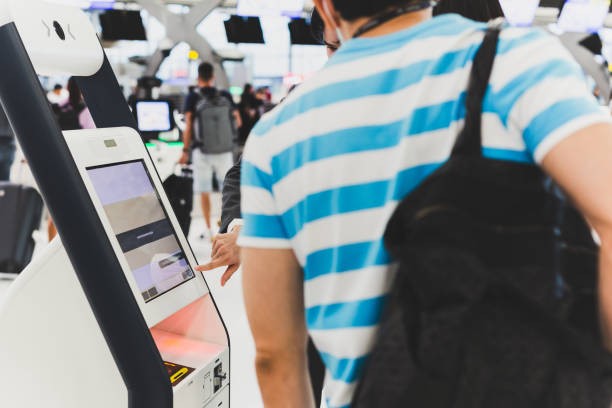
At Costco, there are two lanes at each register—one for the items and one for the payment. New customers often get confused and end up entering the wrong side, which can slow down the entire checkout process.
Tip: Pay attention to the signs at each register and enter the correct side: one for your items and one for your payment.
9. Using Someone Else’s Membership Card

Costco memberships are personal and non-transferable. While it may be tempting to borrow a friend’s membership card to avoid paying for your own, this practice is not allowed. Employees may have to stop and check your membership, causing delays.
Tip: Always use your own membership card when shopping at Costco. This helps avoid confusion and ensures you’re following store policies.
10. Throwing Away Your Receipt Early
Once you finish your checkout, Costco employees will scan your receipt at the exit. If you throw it away too early, it will cause a delay while a new one is printed, which can be frustrating for everyone involved.
Tip: Hold onto your receipt until it’s scanned at the exit. This will help you leave Costco smoothly and avoid any unnecessary delays.
Conclusion
By avoiding these common Costco shopping mistakes, you’ll have a much smoother and more enjoyable experience. Being prepared, considerate, and efficient helps ensure that your trip is quick and easy, and it makes the experience better for everyone—including the hardworking employees. Next time you’re shopping at Costco, keep these tips in mind and enjoy a hassle-free trip!
Recommended For You